
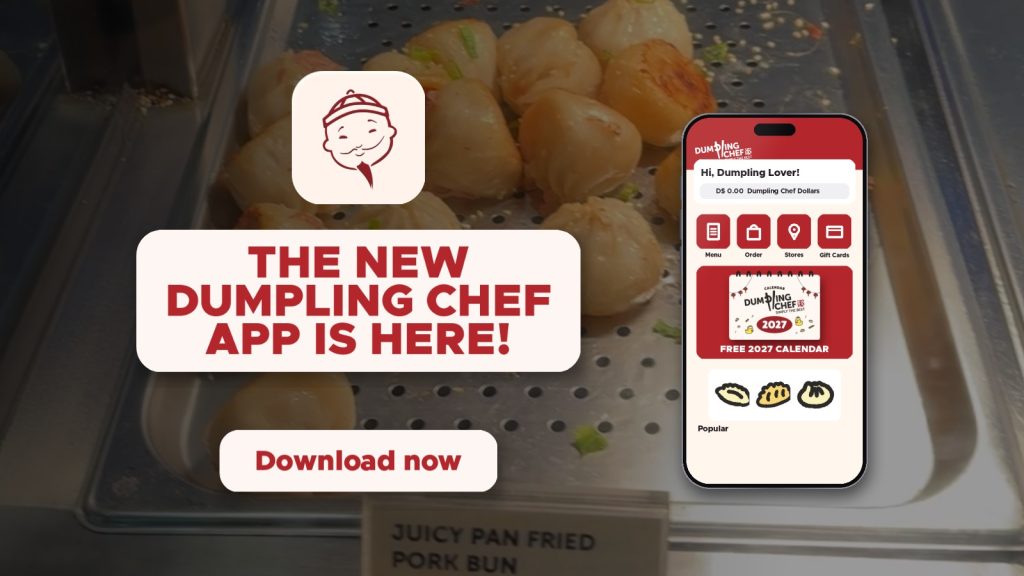
Our brand-new Dumpling Chef app is here. Order ahead at any of our 27 stores, skip the queue, collect Dumpling Chef Dollars and unlock app-only deals, all from your phone.
Launch bonus: place your first pickup order in the app and get a FREE 2027 Dumpling Chef Calendar, while stocks last.
Download the app
On a computer? Scan with your phone camera:

What you can do in the app
- Order ahead & skip the queue – pick your store, choose a time, and your order is ready when you arrive.
- Collect Dumpling Chef Dollars – build up D$ with your orders and use them on future visits.
- App-only promotions – exclusive deals you’ll only find in the app.
New to Dumpling Chef?
- Download the app and enter your mobile number.
- Enter the code we text you and set up your account.
- Choose your store, place your first pickup order and grab your free 2027 calendar when you collect.
Already a member?
Your account comes with you to the new app. Just log in once:
- Open the new app and enter your mobile number.
- Tap “Continue with email”.
- Log in with your existing email and password.
- That’s it. Your Dumpling Chef Dollars and order history carry over.
Need a hand with your first order? Read our pickup ordering guide, or ask our team in store.