
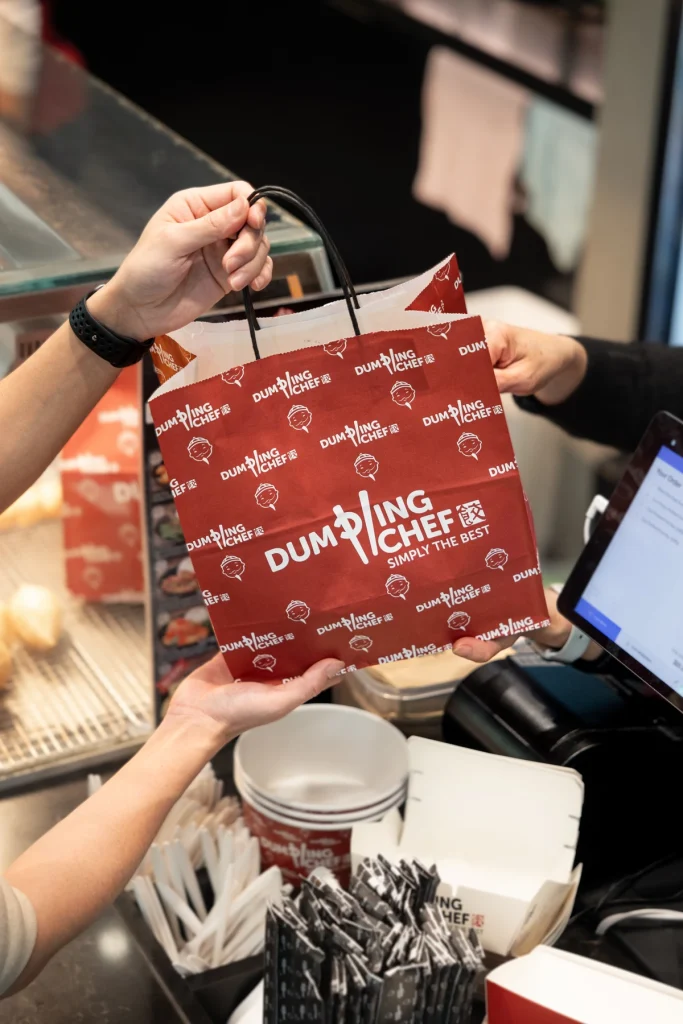
Want to order Dumpling Chef for pickup? The Dumpling Chef app lets you place an order from your phone and follow its status before collecting from your chosen store. Whether you are planning lunch or picking up dinner on the way home, start by checking where you want to collect—not just what you want to eat.
This guide covers downloading the app, choosing a store and checking your order. For the download links in one place, visit our Dumpling Chef App page.
Download the Dumpling Chef App
The app is available through the Apple App Store and Google Play. Use these links to reach the Dumpling Chef listing, then check compatibility with your device before installing.
Register your details to get started, or sign in if you already have an account. Keep your contact details current so your account information is useful when you need help with an order.
How to Order Dumpling Chef for Pickup
1. Choose your pickup store
Use the app’s store selection to choose your collection location. If you are ordering from somewhere new, our Dumpling Chef store finder can help you check the address and opening hours before you begin.
Take a moment to read the store name again before checkout. A store near your office might not be the one you pass on the way home. Choose the location that fits your trip, and check the ordering options available there.
2. Decide what you feel like eating
Browse the selected store’s available items and read the descriptions before adding them to your order. If you are still deciding, explore the Dumpling Chef menu for ideas, then use the ordering menu for current availability and prices.
For a first visit, our guide to what to order at Dumpling Chef is a useful starting point. Think about whether you want a dumpling dish, noodles or rice, and whether the order is just for you or for sharing. Make a quick list if you are collecting for other people so their choices do not get mixed up.
3. Review your order before submitting
Follow the checkout instructions shown in the app. Before completing the order, check:
- Store: is this the location you intend to visit?
- Items: are the dishes, quantities and any selected options correct?
- Total: have you reviewed the amount shown at checkout?
- Collection: have you read the pickup information provided?
If something is unclear, resolve it before submitting. For dietary requirements, contact the store before ordering rather than assuming an item can be changed.
4. Check the order status and collect
After placing your order, look for confirmation and follow the status updates in the app. Keep your order details available when you arrive so the team can identify your order.
Ordering ahead does not mean the food will be ready immediately. Follow the information for your order and allow for the journey to the store. If you cannot see a confirmation, check your order status before submitting the same order again.
Ordering Your Favourites Again
The app supports re-ordering from previous orders. This can be a useful starting point when you already know what you enjoy.
Still review the new order before checkout. Your collection location or the number of people you are ordering for may have changed since last time. A previous order is a reference, not a reason to skip those checks.
Check the App for Current Offers and Rewards
Explore the offers and rewards available in your account, and read their current conditions before ordering. Check any eligibility requirements, expiry dates and exclusions rather than relying on an older promotion you have seen elsewhere.
Frequently Asked Questions
Can I order Dumpling Chef online without the app?
Visit Find a Store, choose your location and use its Order button to see the online ordering options. Check the selected location before completing your order.
Is this guide for pickup or delivery?
This guide is for app orders collected from a store. Do not assume home delivery is available; check the service options offered for your location.
What should I do if I choose the wrong store or item?
Contact the selected store promptly with your order details. Ask what can be changed at that stage; do not assume an accepted order can automatically be changed or refunded.
Where can I get help with the app?
Use our Contact Us page for assistance. Include the store, approximate order time and a description of the issue. Do not send passwords or full payment-card details. For an order being prepared now, contact the store directly.
Ready to Place Your Next Order?
Get the Dumpling Chef app, choose your pickup store and explore what is available. A quick check of your location and order details is a simple way to make your next collection more straightforward.